ScreenToast / Blog / ScreenFlow alternatives for Mac in 2026
ScreenFlow alternatives for Mac in 2026
ScreenFlow has been the Mac's go-to screen recording editor for years: a solid recorder plus a real multi-track timeline, for $199 once. People look for a ScreenFlow alternative for two reasons — the price, and the time it takes to hand-place every zoom and callout. The newer generation of Mac recorders solves the second problem, and most of them are cheaper too.
Why look past ScreenFlow?
- Manual everything. In ScreenFlow, a zoom is an action you add, position and time. A 3-minute demo with 15 clicks is 15 zooms.
- Up-front cost. $199 is a lot if you make a demo a month.
- New formats. Vertical video for TikTok, Reels and Shorts is now a standard deliverable, and it's easier when the recorder understands shapes.
The alternatives
1. ScreenToast — automatic polish, still editable
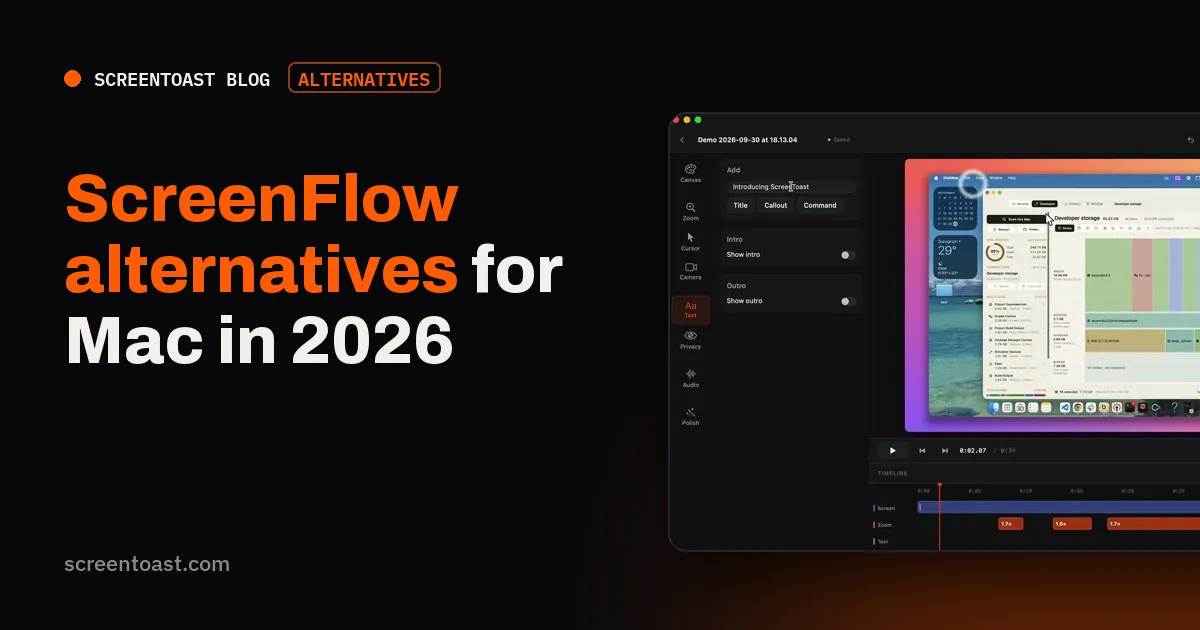
Free to record and edit; $59/year or $7/month to export. ScreenToast does the part of ScreenFlow work that's repetitive: zooms land on your clicks, bursts merge into one move, the cursor is smoothed, and a background and padding go on. Everything it does is a block on the timeline you can move or delete. You still get trim, split, speed, text overlays, intro and outro cards, blur, separate audio tracks and captions. When you need ScreenFlow-level finishing, export a ProRes master and take it into any editor.
2. Screen Studio — the auto-zoom pioneer
$29/month or $108/year. Beautiful automatic results with share links. Subscription-only for new buyers.
3. Camtasia — the other heavyweight
Yearly subscription. Just as deep as ScreenFlow, cross-platform, with quizzes and SCORM for course creators.
4. Descript — edit with text
Subscription with a free plan. If your videos are mostly talking, editing by transcript is much faster than cutting on a timeline.
5. Screen Charm — automatic, pay once
$99 once (launch price). Auto zoom, smooth cursor and captions on a one-time licence, for up to 3 Macs.
6. iMovie + the macOS recorder — free
Record with Shift-Command-5, cut in iMovie. Free, but zooms are crude and there's no system audio capture.
Comparison
| Price | Zooms | Timeline depth | |
|---|---|---|---|
| ScreenFlow | $199 once | Manual | Deep |
| ScreenToast | $59/yr | Automatic + editable | Medium |
| Screen Studio | $108/yr | Automatic | Light |
| Camtasia | Yearly plans | Manual | Deep |
| Descript | Subscription | Manual | Text-based |
| Screen Charm | $99 once | Automatic | Light |
Prices checked on each vendor's own website on 20 October 2026.
Keep ScreenFlow if…
You make long courses with many cuts, layered media and precise timing, and you already own a licence. For that work, a full editor still wins. Plenty of people record and polish in an automatic tool and finish in ScreenFlow — the two approaches combine well.
Frequently asked questions
How much is ScreenFlow?
ScreenFlow is $199 as a one-time purchase, with optional bundles that add a stock media library and premium support (checked 20 October 2026).
Is there a free ScreenFlow alternative?
OBS Studio for recording plus DaVinci Resolve or iMovie for editing is a free combination. You'll place zooms and callouts by hand, just as in ScreenFlow.
Which ScreenFlow alternative has automatic zoom?
Screen Studio, ScreenToast, Screen Charm and FocuSee all add zooms automatically from your clicks.
Try ScreenToast free.
Record and edit as much as you like, with no sign-in and no trial clock. Pro is $4.92 a month, billed yearly, when you're ready to export.
macOS 14 or later · Apple silicon and Intel · Under 10 MB