ScreenToast / Blog / The 9 best Screen Studio alternatives for Mac
The 9 best Screen Studio alternatives for Mac in 2026
Screen Studio made the "polished screen recording" look popular: automatic zooms on your clicks, a smooth cursor, a nice background. It's also subscription-only now, and that's why so many people search for a Screen Studio alternative. We compared nine Mac recorders on what actually matters — price, auto zoom, captions and where your video ends up — so you can pick one in five minutes.
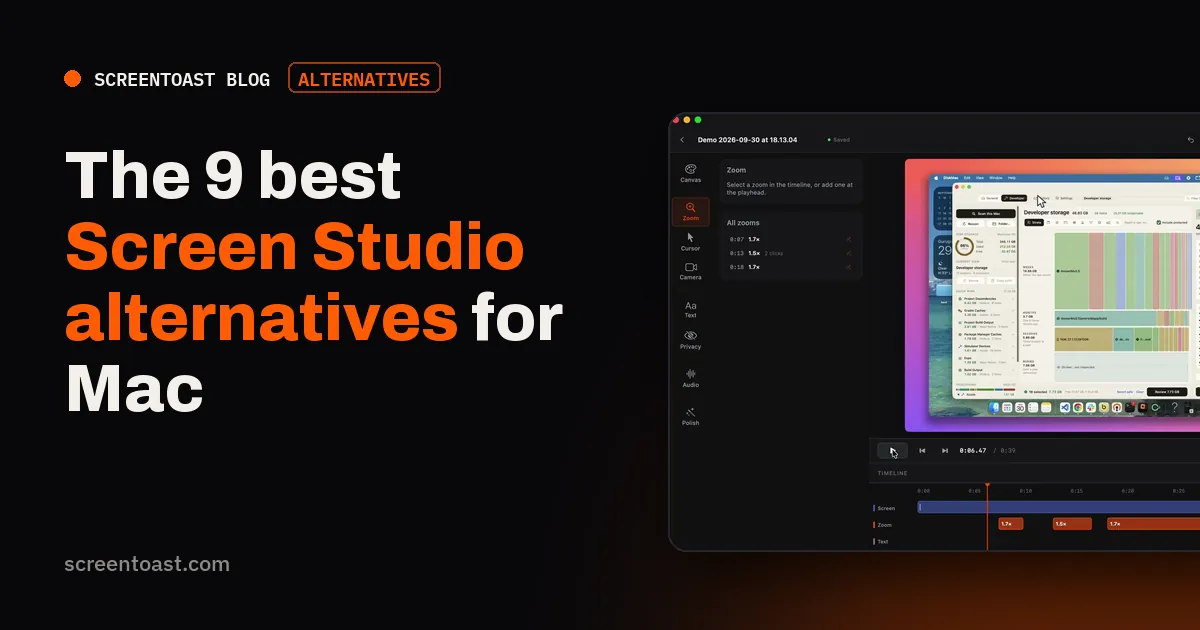
Disclosure: we make ScreenToast, which is on this list. We've tried to be fair: every competitor's price was checked on its own website on 20 October 2026, and we say where another tool is the better pick.
Quick comparison
| App | Price | Auto zoom | Platforms | Best for |
|---|---|---|---|---|
| Screen Studio | $29/mo or $108/yr | Yes | Mac | The original; benchmark |
| ScreenToast | $59/yr or $7/mo; record & edit free | Yes | Mac | Product demos, vertical clips |
| Screen Charm | $99 once (launch price) | Yes | Mac | People who hate subscriptions |
| CleanShot X | $35 once | Smart zooms in editor | Mac | Screenshots first, video second |
| Cap | Free personal; $58 lifetime | Zoom editor | Mac, Windows | Open source, budget |
| FocuSee | From $49.99/yr | Yes | Mac, Windows | Cross-platform teams |
| Tella | From $13/user/mo yearly | Yes | Mac, Windows, web | Shareable links, teams |
| ScreenFlow | $199 once | Manual | Mac | Full editing control |
| OBS Studio | Free | No | Everywhere | Streaming, raw capture |
What to look for in a Screen Studio alternative
Screen Studio's appeal isn't recording — every Mac can record its screen. It's the editing it does for you. So judge alternatives on these:
- Automatic zoom. Does it zoom in on your clicks on its own, or do you place every zoom by hand?
- Cursor smoothing. A jittery pointer is the giveaway of an amateur recording.
- Shapes. Can it give you a 9:16 version for TikTok and Reels without cropping half the picture away?
- Captions and sound. Many viewers watch muted, so captions matter; so does cleaning up a laptop mic.
- Pricing model. Monthly, yearly, or once — and what happens when you stop paying.
- Privacy. Does your video stay on your Mac, or is it uploaded to someone's cloud?
1. ScreenToast — best for product demos
Price: recording and editing are free; Pro (needed to export) is $59 a year ($4.92/month) or $7 month to month. Requires: macOS 14+, Apple silicon or Intel.
ScreenToast is the closest thing to Screen Studio's workflow at about half the yearly price. Stop recording and the editor opens already polished: zooms placed on the clicks that matter, a burst of clicks merged into one smooth move, and a cursor that's smoothed after the take so it never lags behind your clicks. Every zoom is a block on the timeline you can drag, retime or delete.
Where it goes further:
- Record in the shape you post. Lock an area to 16:9, 9:16, 1:1, 4:5 or 4:3 by pressing a number key while you drag, so vertical clips are filmed vertical, not cropped.
- Writes your narration. It drafts a voiceover script from what you did on screen; use a free macOS voice or your own ElevenLabs key.
- Captions on your Mac. Transcribes your voice locally, four caption styles including karaoke, plus edit-by-transcript and one-click filler-word removal.
- Hides secrets for you. It finds API keys, tokens and email addresses in the recording and blurs them, even as they scroll.
- Tiny. Under 10 MB to download, native Swift, and nothing is uploaded.
Skip it if: you need Windows, or you want cloud share links — ScreenToast deliberately exports files only.
2. Screen Charm — best one-time purchase
Price: $99 one-time (listed as a launch discount off $149), up to 3 Macs, 14-day refund.
Screen Charm copies the Screen Studio playbook closely: smart auto-zoom applied after recording, a smooth cursor, captions generated from your narration, a split vertical export for Reels and Shorts, and mic enhancement. If "no subscription, ever" is your top priority, it's the obvious pick. It's a larger download than native apps because it's built on a web runtime.
3. CleanShot X — best if you mostly take screenshots
Price: $35 one-time with a year of updates ($19/year to keep updating), or $10/month billed yearly for the cloud plan.
CleanShot X is the best screenshot tool on the Mac, and its screen recorder has grown a video editor with smart zooms. It's not as automatic as Screen Studio for long demos, but if your day is 90% screenshots and 10% short clips, one $35 app may cover both.
4. Cap — best free and open-source option
Price: free for personal use (no commercial rights); Desktop licence $29/year or $58 lifetime; Cap Pro $12/user/month for cloud features.
Cap is open source, runs on Mac and Windows, and its Studio Mode includes an editor with zooms and backgrounds. It's the strongest free option — just note the free plan is for personal use only, so a business demo needs the paid licence.
5. FocuSee — best for Mac and Windows
Price: listed from $49.99/year (Standard) or $199.99 lifetime (Advanced).
FocuSee offers auto zoom, cursor effects and a webcam overlay on both Windows and Mac. It's a good fit if your team is mixed-platform and you want the same look everywhere.
6. Tella — best for shareable links and teams
Price: Pro $13/user/month, Premium $19/user/month (billed yearly).
Tella is browser-first: record, edit in the web app, share a link. It has native recorders for Mac and Windows and good team features. It's the right choice when a link is the deliverable; less so if you want files that never leave your Mac.
7. ScreenFlow — best for full editing control
Price: $199 one-time.
ScreenFlow is a proper multi-track editor with a recorder attached. You'll place zooms and callouts by hand, so it's slower than Screen Studio — but nothing is out of reach. Pick it for long tutorials and courses.
8. Loom — best for quick async messages
Price: free (5-minute limit, 25 videos); Business $18/user/month.
Loom isn't really a Screen Studio replacement — there's no auto zoom — but people often weigh the two. If you're sending a quick walkthrough to a colleague rather than publishing a demo, Loom is faster. Every video lives in Loom's cloud.
9. OBS Studio — best free raw recorder
Price: free and open source.
OBS records anything, including system audio on recent macOS, and streams too. It doesn't polish anything: no zooms, no cursor smoothing. Use it when you need raw footage or a live stream, and do the editing elsewhere.
If price is why you're switching
On its website (checked 20 October 2026), Screen Studio lists two plans with the same features:
- Monthly: $29 a month — $696 over two years.
- Yearly: $9 a month billed yearly — $216 over two years.
The old one-time licence isn't sold to new buyers any more, and there's no free plan. Students and educators get 40% off.
Two-year cost, side by side
| App | Plan | Cost over 2 years | Auto zoom |
|---|---|---|---|
| Screen Studio | Yearly | $216 | Yes |
| ScreenToast | Pro Yearly | $118 | Yes |
| Cap | Desktop lifetime | $58 | Zoom editor |
| CleanShot X | Basic + 1 renewal | $54 | Smart zooms in editor |
| FocuSee | Standard yearly | $99.98 | Yes |
| Screen Charm | One-time | $99 (launch price) | Yes |
| OBS Studio | — | $0 | No |
Cheapest isn't automatically best — what matters is how much editing each tool saves you. The tips below bring the cost down further, whichever you pick.
How to cut the cost of any of these
- Pay monthly only when you're publishing. If you make demos around launches, a month here and there beats a yearly plan.
- Check student and education discounts. Screen Studio offers 40% off for students and educators.
- Try before you pay. Record the same demo in two apps. The one that needs less fixing is the cheaper one, whatever the price tag.
Prices checked on each vendor's own website on 20 October 2026. Two-year totals assume today's prices don't change.
Which one should you choose?
Want Screen Studio's look for less: ScreenToast ($59/yr) — and try it free before paying.
Refuse subscriptions: Screen Charm, or CleanShot X for lighter use.
Need it free: Cap for personal projects, OBS for raw capture.
Need Windows too: FocuSee or Tella.
Still unsure? Most of these let you try before you pay. Record the same 30-second demo in two of them and compare the result — that tells you more than any list. For a deeper head-to-head, see Screen Studio vs ScreenToast.
Prices and plans checked on each vendor's own website on 20 October 2026. They change — check before you buy.
Frequently asked questions
What is the best Screen Studio alternative?
For the same auto-zoom, smooth-cursor look at a lower price, ScreenToast ($59 a year) and Screen Charm (a one-time licence) are the closest matches. CleanShot X is best if you mostly need screenshots with occasional recording. If you need it free, Cap and OBS are the strongest free options.
Is there a free Screen Studio alternative?
Yes. Cap has a free plan for personal use, OBS Studio is free and open source, and macOS has a built-in recorder (Shift-Command-5). None of them add automatic zooms the way Screen Studio does, except Cap's Studio Mode, which has a zoom editor.
Does Screen Studio still sell a lifetime licence?
Not to new buyers. As of 20 October 2026, screen.studio lists $29 a month, or $9 a month billed yearly, and says one-time licences are no longer available. People who bought one earlier keep it.
Is there a Screen Studio alternative for Windows?
Screen Studio and ScreenToast are Mac-only. Tella, Cap and FocuSee all run on Windows as well as Mac, and OBS Studio runs everywhere.
Try ScreenToast free.
Record and edit as much as you like, with no sign-in and no trial clock. Pro is $4.92 a month, billed yearly, when you're ready to export.
macOS 14 or later · Apple silicon and Intel · Under 10 MB