ScreenToast / Blog / Camtasia alternatives for Mac: 6 lighter options
Camtasia alternatives for Mac: 6 lighter tools for tutorials and demos
Camtasia is a powerful screen recorder and editor that has been around for decades — quizzes, SCORM export, animations, everything a course builder could want. But it's sold as a yearly subscription, and for many Mac users it's more app than they need. If you're looking for a Camtasia alternative for Mac, the right choice depends on one question: do you want to edit, or do you want the editing done for you?
What Camtasia costs now
TechSmith sells Camtasia in four yearly tiers: Starter, Essentials, Create and Pro. Starter includes the recorder, but its editor exports with a watermark; watermark-free export starts at Essentials, and AI voiceovers and script writing come in at Create. Prices vary by region, so check TechSmith's store for yours (we checked on 20 October 2026).
Option A: a full editor, like Camtasia
1. ScreenFlow — the Mac-native Camtasia
$199 once. ScreenFlow is the closest Mac equivalent: record screen, camera and audio, then edit on a multi-track timeline with callouts, transitions and zooms you place by hand. One-time licence, Mac-only.
2. Descript — edit by text
Descript records your screen and lets you edit the video by editing its transcript. Great for talky tutorials and podcasts-with-screens. It's a subscription with a free plan that includes a limited number of media minutes.
3. DaVinci Resolve + OBS — free and limitless
OBS records, Resolve edits. Both are free and professional grade. The price is time: neither knows anything about clicks or cursors, so every zoom is a keyframe.
Option B: a recorder that edits for you
Most tutorial editing is the same handful of jobs: zoom in where you click, cut dead air, speed up waiting, add a title. A new kind of Mac recorder does those automatically.
4. ScreenToast
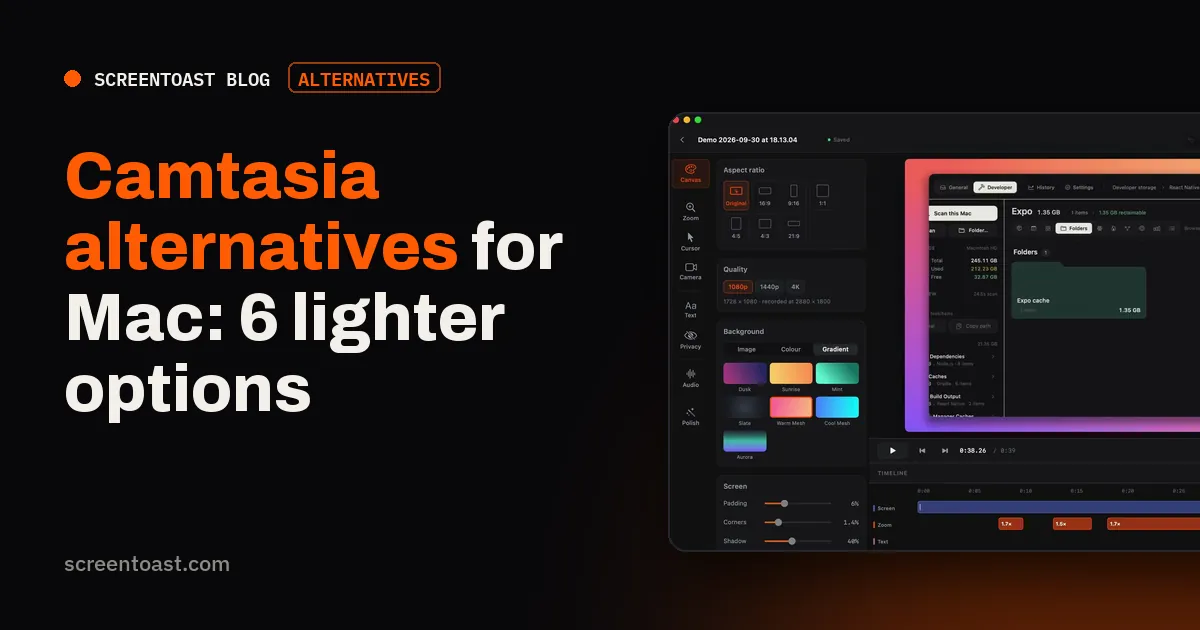
Free to record and edit; $59 a year to export. When you stop recording, the zooms are already placed on your clicks and the cursor is smoothed. Then the editor handles the Camtasia staples: trim, split, ripple delete, per-clip speed, text callouts, intro and outro cards, privacy blur, and a separate track for mic, system audio and music. It transcribes your voice on your Mac for captions, removes filler words in one click, and can play every stretch of typing at 3× with a single command. It exports MP4, HEVC, GIF or a ProRes master if you still want to finish in another editor.
5. Screen Studio
$108 a year. Excellent automatic zooms and cursor, captions, and share links. Less timeline control than Camtasia.
6. CleanShot X
$35 once. For short how-to clips and GIFs rather than full courses.
What you lose leaving Camtasia
Be honest about the switch: none of the lighter tools match Camtasia's interactive quizzes, SCORM export for learning platforms, or its huge asset library. If you publish to an LMS, Camtasia (or ScreenFlow plus a separate authoring tool) is still the right call.
Same power, pay once: ScreenFlow. Less editing, lower price: ScreenToast. Free: OBS + DaVinci Resolve.
Frequently asked questions
Is Camtasia a subscription?
Yes. As of 20 October 2026, TechSmith sells Camtasia as yearly plans — Starter, Essentials, Create and Pro. The Starter plan's editor exports with a watermark; Essentials and above export without one.
What is the best Camtasia alternative for Mac?
For a similar full editor on a one-time licence, ScreenFlow ($199). For less editing work, an auto-polishing recorder such as ScreenToast or Screen Studio. For free, OBS plus a free editor.
Does Camtasia work on Mac?
Yes, Camtasia runs on both Mac and Windows.
Try ScreenToast free.
Record and edit as much as you like, with no sign-in and no trial clock. Pro is $4.92 a month, billed yearly, when you're ready to export.
macOS 14 or later · Apple silicon and Intel · Under 10 MB