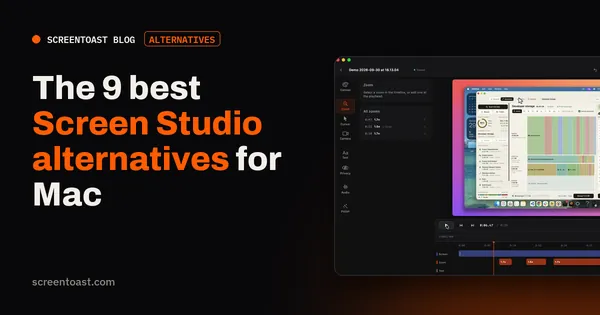
The 9 best Screen Studio alternatives for Mac
Screen Studio is subscription-only now. Here are nine Mac recorders that do the same job — auto zoom, smooth cursor, polished export — for less, or for free.
Read article →ScreenToast / Blog
Honest comparisons of Mac screen recorders, plain guides to recording your screen, and how to turn a raw take into a demo people actually watch.
Screen Studio is subscription-only now. Here are nine Mac recorders that do the same job — auto zoom, smooth cursor, polished export — for less, or for free.
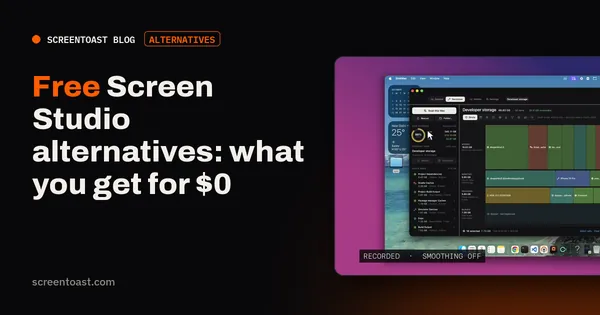
Read article →Cap, OBS, QuickTime and the rest: which free Mac recorders get close to the Screen Studio look, and where the catch is with each one.
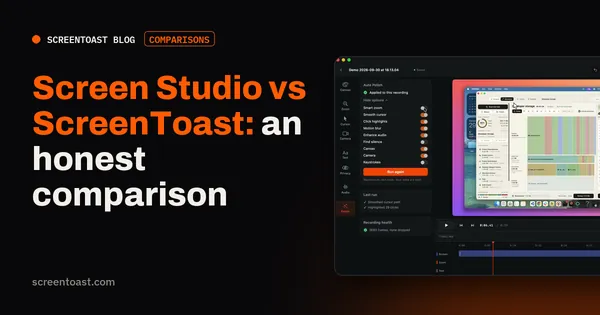
Read article →Two native Mac recorders that polish your demo for you. Here's how they differ on price, features and workflow — including where Screen Studio wins.
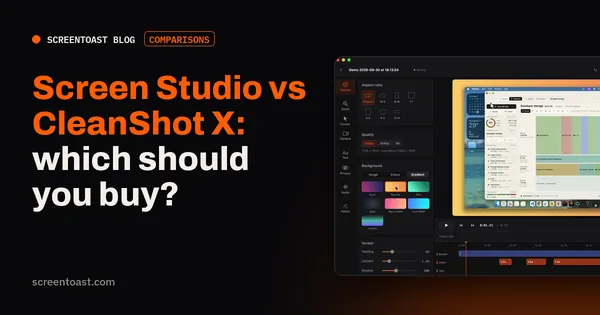
Read article →One is a polished demo maker, the other is the Mac's best screenshot tool with a recorder attached. Which one fits depends on what you make most.
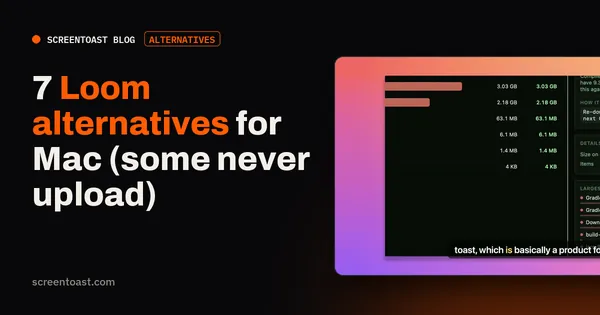
Read article →Hit Loom's 5-minute limit, or don't want every recording in someone's cloud? Seven Mac recorders that do the job differently.
Read article →Camtasia is powerful, but it's a yearly subscription and a lot of app. Six Mac alternatives, from full editors to recorders that edit for you.
Read article →ScreenFlow is a great editor, but $199 and an hour of keyframing per video isn't for everyone. Faster and cheaper Mac options.
Read article →OBS is brilliant for streaming and overkill for a screen recording. Simpler Mac recorders, free and paid, that skip the scenes and sources.
Read article →No system audio, no zoom, no editing beyond a trim. QuickTime's screen recording limits, and which Mac apps fix each one.
Read article →From the free built-in recorder to polished demo makers: the ten best Mac screen recording apps, what each is best at, and what it costs.
Read article →Every free Mac screen recorder has a catch: a time limit, a watermark, no system audio or no editing. Here's which catch you can live with.
Read article →One-time or subscription? We priced every popular Mac screen recorder over one and three years so you can see what's actually cheap.
Read article →Which Mac screen recorders stamp a logo on your video, which never do, and the free options that are watermark-free with no catch.
Read article →A demo recorder isn't a meeting recorder. What a product demo tool needs to do, and the five Mac apps that do it best.
Read article →Readable text at 1080p, clean audio, a webcam, and Shorts from the same take. The Mac recorders that make tutorial channels easier.
Read article →Auto zoom is the feature that makes a screen recording look produced. How six tools decide where to zoom, and how much control you keep.
Read article →The keyboard shortcut, QuickTime, recording with sound, and getting a polished result — every way to record your Mac's screen, step by step.
Read article →macOS still won't record the sound your apps make. Here's the free BlackHole workaround, step by step, and the one-toggle alternative.
Read article →The free QuickTime trick, and the better way: a camera on its own track that you can move, resize or remove after recording.
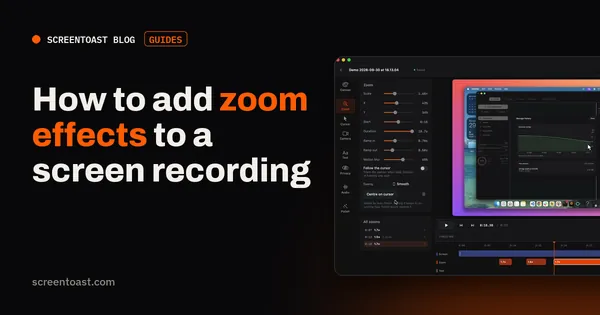
Read article →Zooming in is what makes a screen recording readable. How to do it by hand in any editor, automatically on your clicks, and how to time it well.
Read article →Keynote's built-in recording, Google Slides and PowerPoint, and how to add your face and a live demo to a recorded presentation.
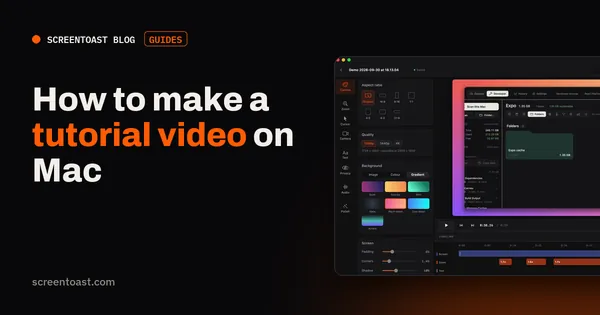
Read article →From outline to upload: plan the steps, set up a clean screen and good audio, record in sections, edit fast, and export with captions.
Read article →A 60-second structure that works, a script template, and how to record and polish a launch video in an afternoon — no editor hired.
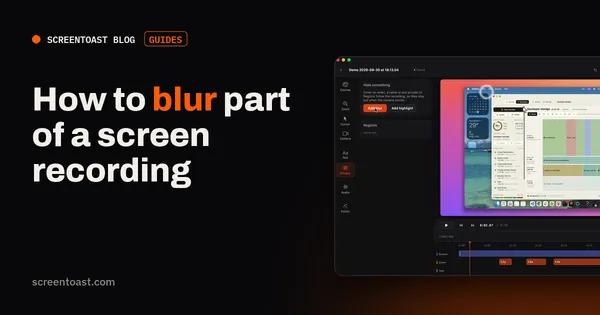
Read article →Showed an email address or an API key? How to blur sensitive details in a screen recording — by hand, and automatically even as it scrolls.
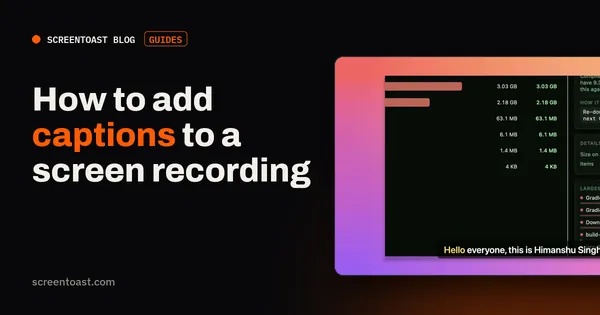
Read article →Most social video is watched muted. How to auto-caption a screen recording on your Mac, style it for social, and export an .srt for YouTube.
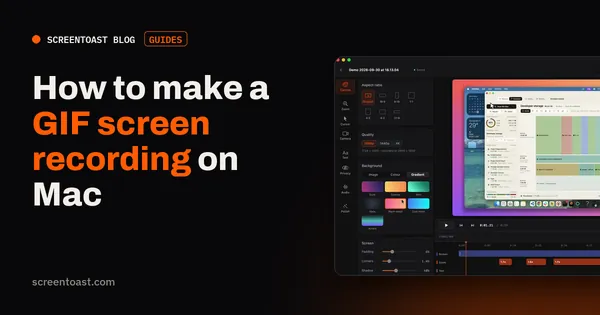
Read article →Record, trim and export a small, sharp, looping GIF for a pull request, your docs or a tweet — plus when an MP4 is the better choice.
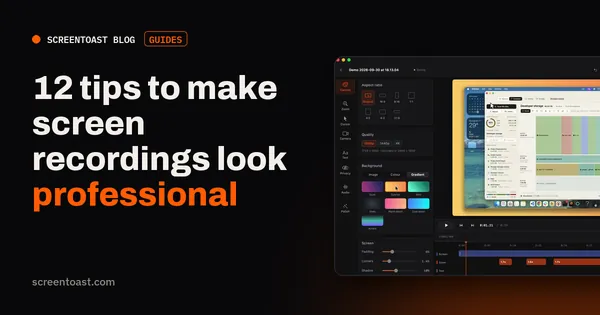
Read article →The difference between amateur and pro screen recordings is a dozen small things. Here they are, in the order you'll need them.
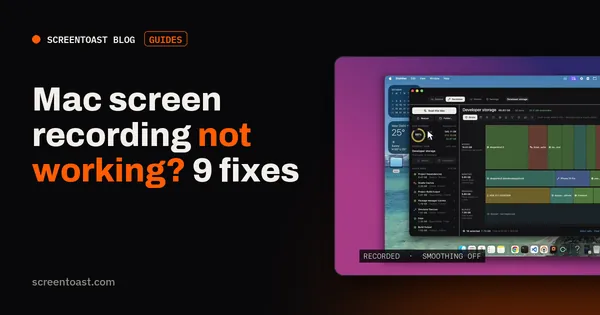
Read article →Black video, no sound, a shortcut that does nothing, a recording that vanished. The nine fixes that solve almost every Mac screen recording problem.
Read article →