ScreenToast / Blog / Best screen recorders for product demos and SaaS videos
The best screen recorders for product demos and SaaS videos
A product demo has one job: show your real product working, clearly enough that a stranger gets it in a minute. That makes a screen recorder for product demos different from a meeting recorder or a screenshot tool. Here's what to look for, and the five Mac apps that do it best.
What a demo recorder needs
- Zoom on the action. Your UI is a small patch of a big screen. Viewers on a phone can't read it unless the video zooms in where you click.
- A calm cursor. Jittery mouse movements look amateur; a smoothed path looks produced.
- Several shapes from one take. The same demo goes to your homepage (16:9), Reels and TikTok (9:16) and LinkedIn (1:1 or 4:5).
- Narration or captions. Most social viewers watch muted.
- Privacy tools. Real products have real data. You need to blur emails, names and API keys.
- Intro and outro. Product name first, call to action last.
1. ScreenToast — built specifically for demos
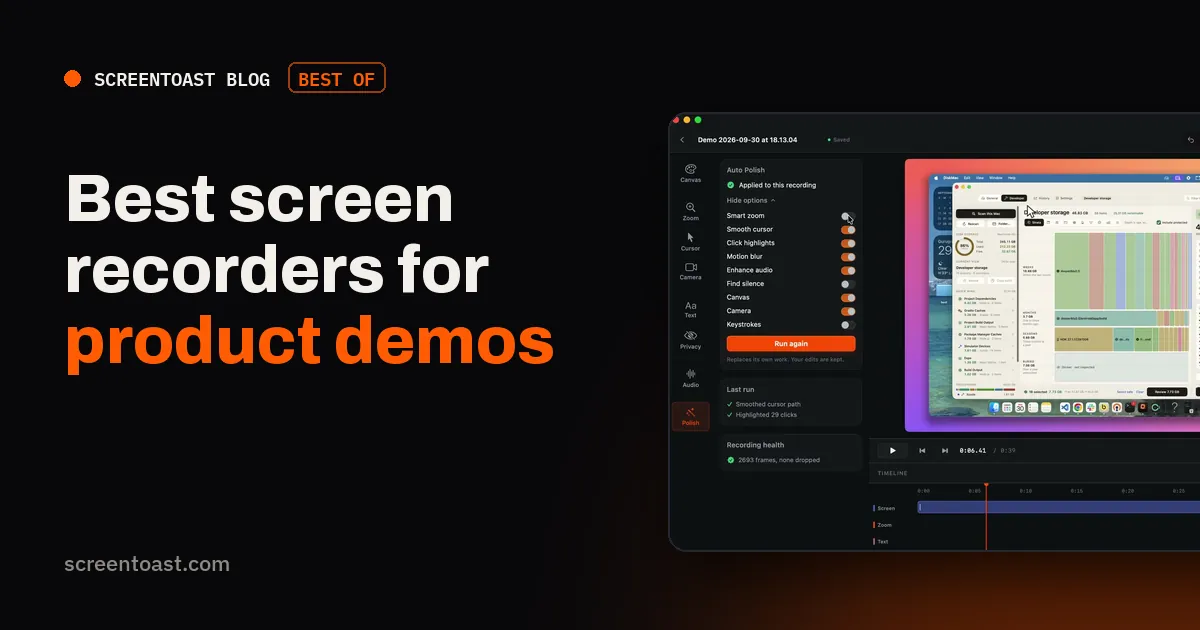
ScreenToast covers every item above, mostly automatically. Stop recording and Auto Polish has already placed zooms on your clicks (merging bursts into one move), smoothed the cursor and added a background. It records an area locked to 9:16 or 1:1 so vertical versions aren't crops, and re-frames when you switch shapes on export so the action stays in shot. It drafts a narration script from what you did on screen, transcribes your own voice into captions on your Mac, and scans the recording for API keys, tokens and emails to blur them. Export presets cover YouTube, TikTok, Reels, LinkedIn, X and Product Hunt. Free to record and edit; $59/year to export.
2. Screen Studio — polished, with share links
Excellent automatic zooms, cursor and camera layouts, plus hosted links for sharing a demo with a prospect. $108/year, Mac-only.
3. Tella — for sales and onboarding links
If your demo is sent to a prospect rather than embedded on a page, Tella's browser editor and links work well. From $13/user/month.
4. ScreenFlow — for long, scripted walkthroughs
Full manual control for webinar-length demos. $199 once.
5. CleanShot X — for quick feature clips
A 15-second GIF of a new feature for a changelog or tweet. $35 once.
Comparison
| Auto zoom | Vertical from one take | Narration | Auto-blur secrets | |
|---|---|---|---|---|
| ScreenToast | Yes | Area lock + re-framing | Drafted script + captions | Yes |
| Screen Studio | Yes | Aspect in editor | Captions | — |
| Tella | Yes | Layouts | Captions | — |
| ScreenFlow | Manual | Manual | Manual | Manual blur |
| CleanShot X | Smart zooms | — | — | — |
Checked on each vendor's own website on 20 October 2026. A dash means we couldn't confirm the feature.
Real footage beats generated video
It's tempting to generate a slick AI promo, but generated video shows screens that don't exist and flows nobody clicked — and buyers can tell. A real recording of your product, edited well, is proof. The trick is to let the tool do the editing so real footage is as quick to make as a mock-up.
Ready to make one? Follow our step-by-step product demo guide.
Frequently asked questions
What software is used for product demo videos?
For screen-based demos on Mac, the popular choices are auto-polishing recorders such as ScreenToast and Screen Studio, link-based tools such as Tella, and full editors such as ScreenFlow. Interactive click-through demos use a different kind of tool entirely.
How long should a product demo video be?
For a landing page or launch, 30 to 90 seconds. For a feature walkthrough, 2 to 3 minutes. Show one workflow end to end rather than every menu.
Should I use AI to generate my product demo?
Generated video can show screens that don't exist. Buyers trust footage of the real product, so record the real thing and use automation for the editing.
Try ScreenToast free.
Record and edit as much as you like, with no sign-in and no trial clock. Pro is $4.92 a month, billed yearly, when you're ready to export.
macOS 14 or later · Apple silicon and Intel · Under 10 MB